


Photo: Wilfredor, CC0 via Wikimedia Commons
Photograph a place. Hear its story.
Sight Story names the landmark in your photo, writes its history with sources, and reads it to you.

How a photo becomes a story
Frame it.
Take a photo or pick one from your library. The app is built for landmarks, so aim at the whole thing.
It names the place.
An AI model, Google Gemini, looks at the picture and sends back the landmark's name and location.
Then it goes looking.
The name comes back first. The history is searched for next, and the narration is made after that.

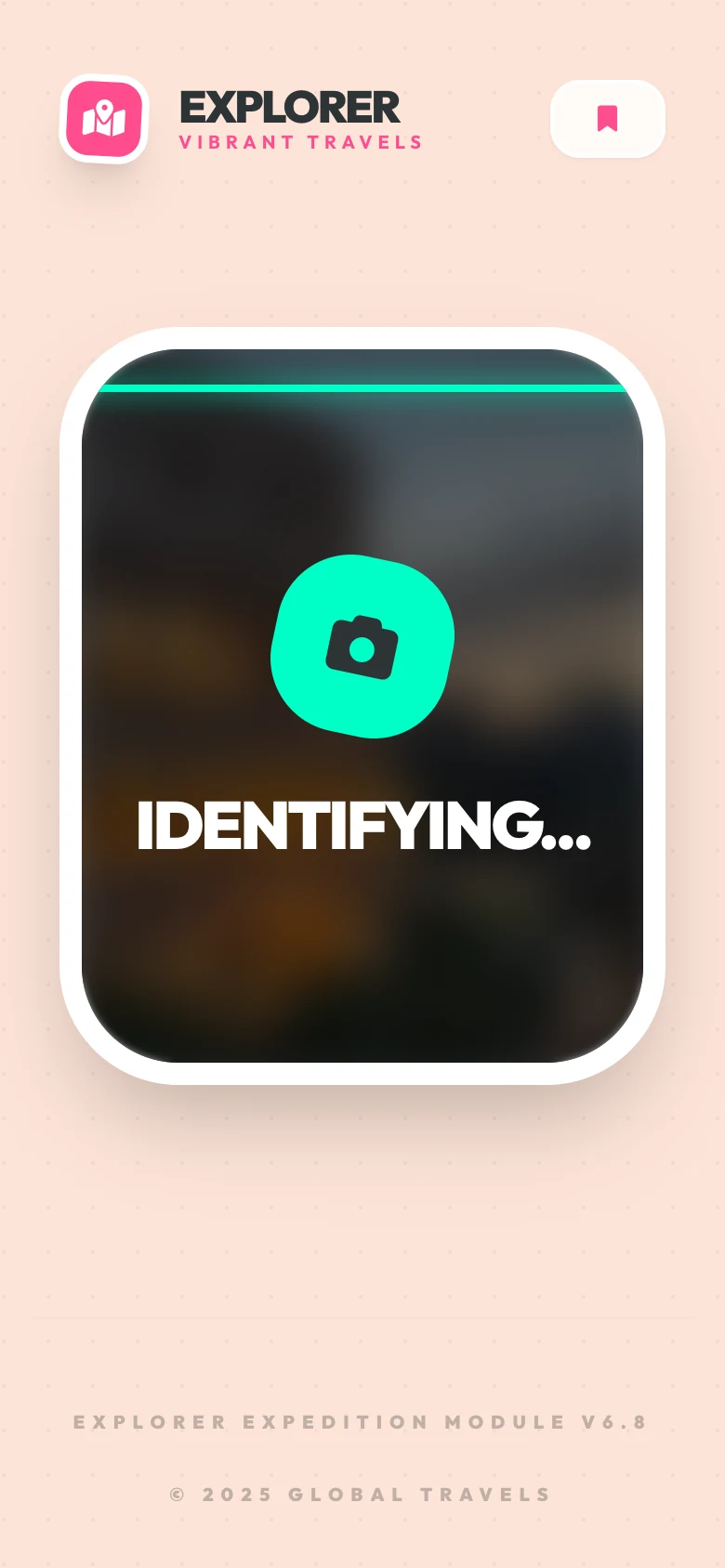
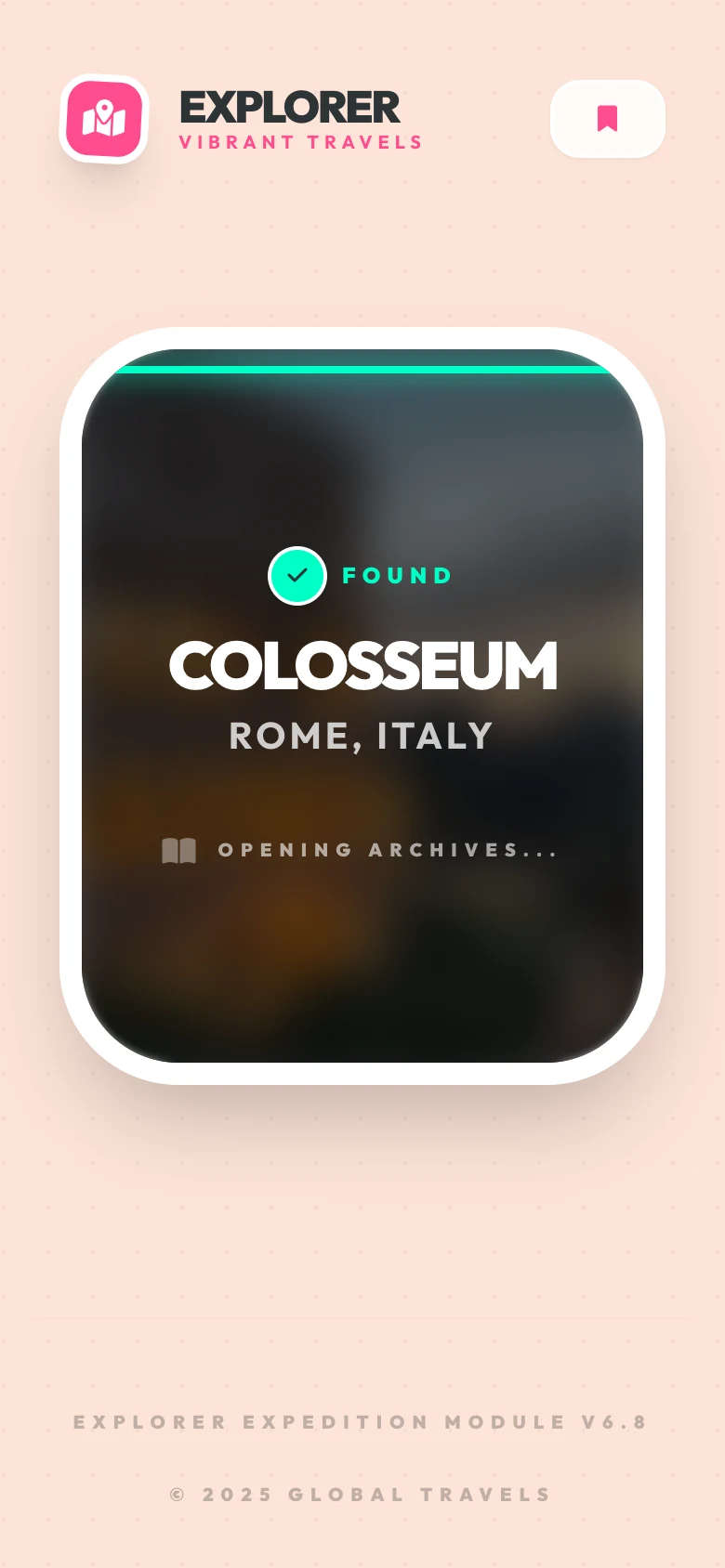
Real screens from the web app, captured 14 November 2026 with example data.
Told: the Colosseum, Rome (example story written for this page; real stories are generated per photo)
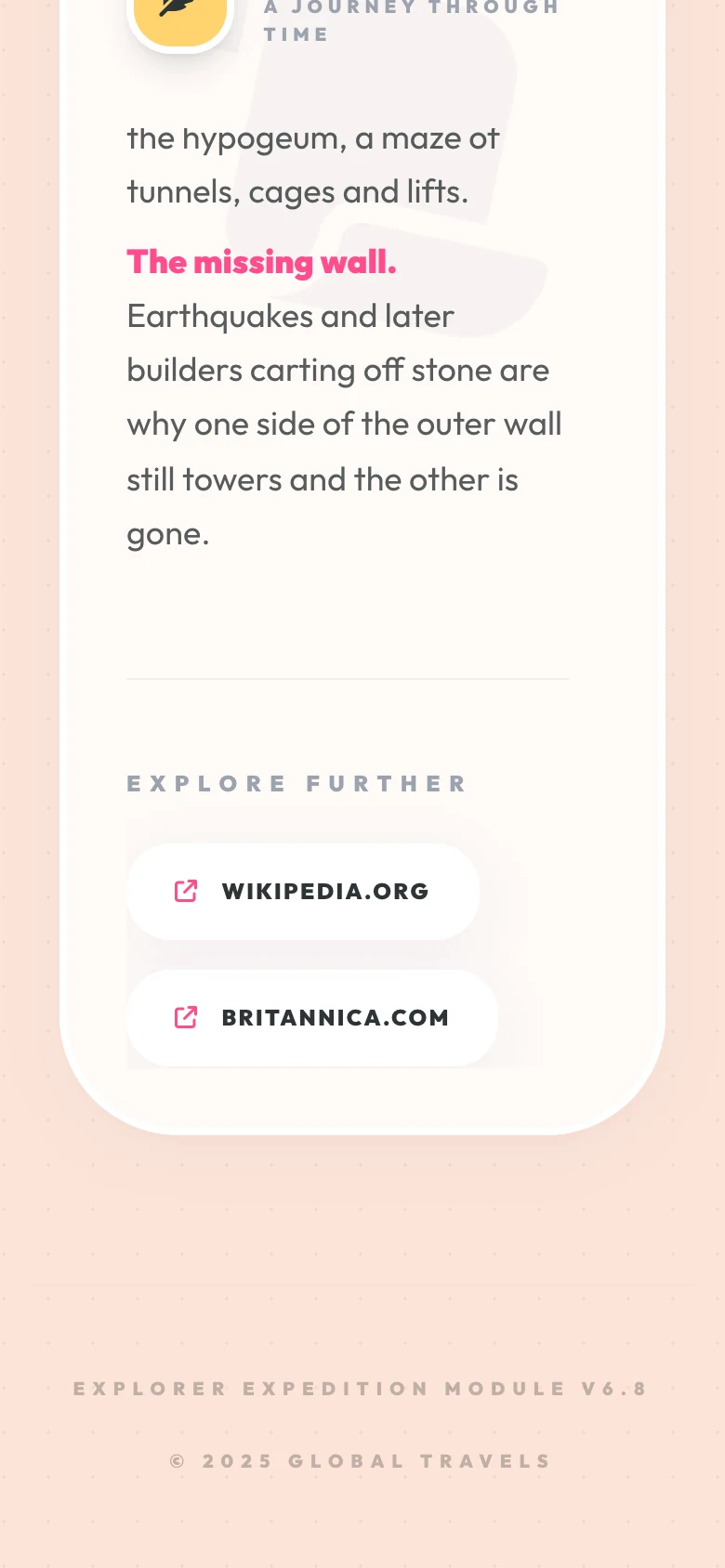
This is the Colosseum, in Rome.
Look near the top. Those rows of stone brackets once held the masts for a cloth awning that shaded the crowd.
Down the arcades the columns change as you climb: plain Doric at the bottom, Ionic in the middle, Corinthian above. An estimated 50,000 people took their seats behind these arches.
Where the wall stops, it was broken. Earthquakes brought the far side down, and later builders carted off the stone.
Nearly two thousand years on, people still stop here and look up. Now you know what they are looking at.
Photo: Wilfredor, CC0 via Wikimedia Commons
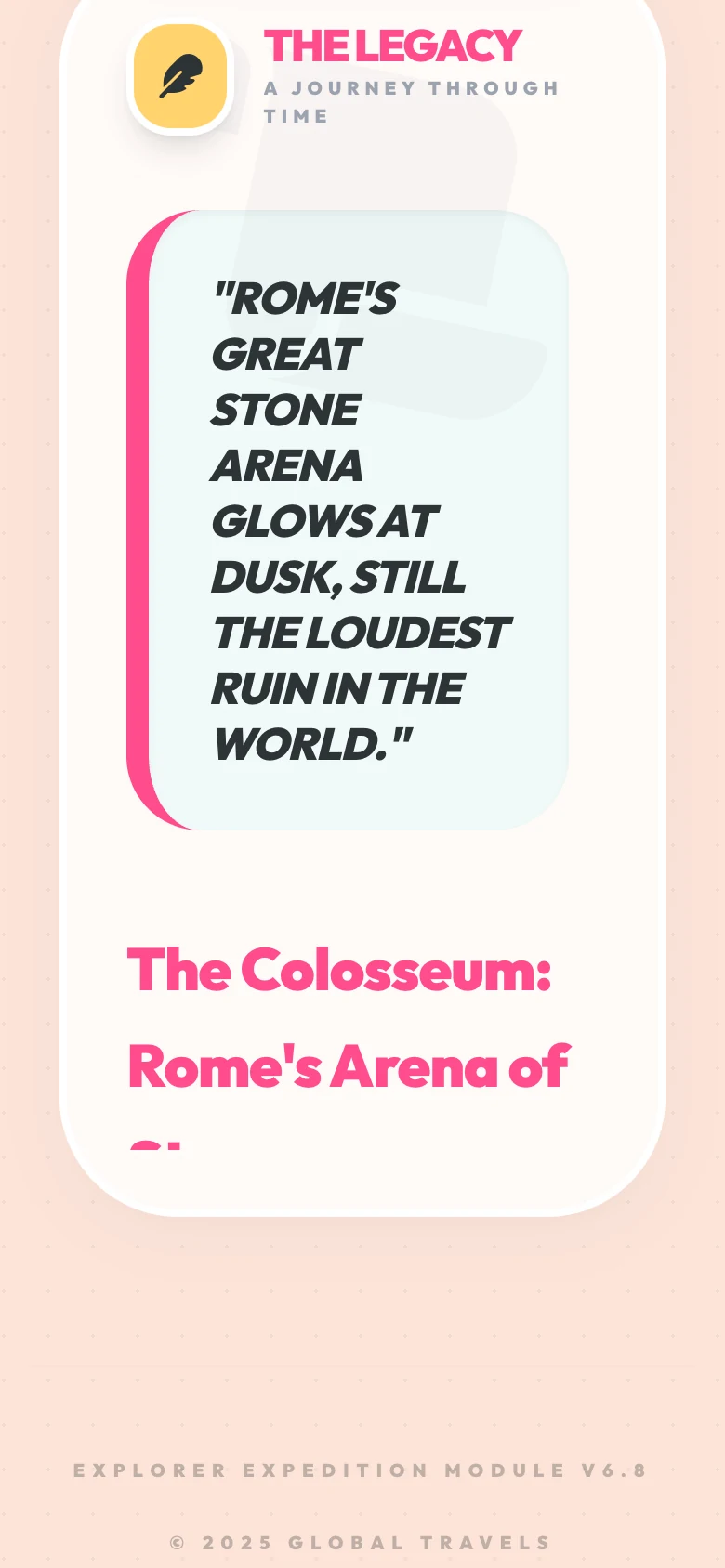
It shows where it looked.
Under every story, the app lists the web pages its search found. Open them and read the originals.
An AI model writes the story, so it can contain mistakes. The links are there so you can check anything that matters.
Screens show example data, captured 14 November 2026.
The story ends.
The photograph stays.
A journal that keeps your places.
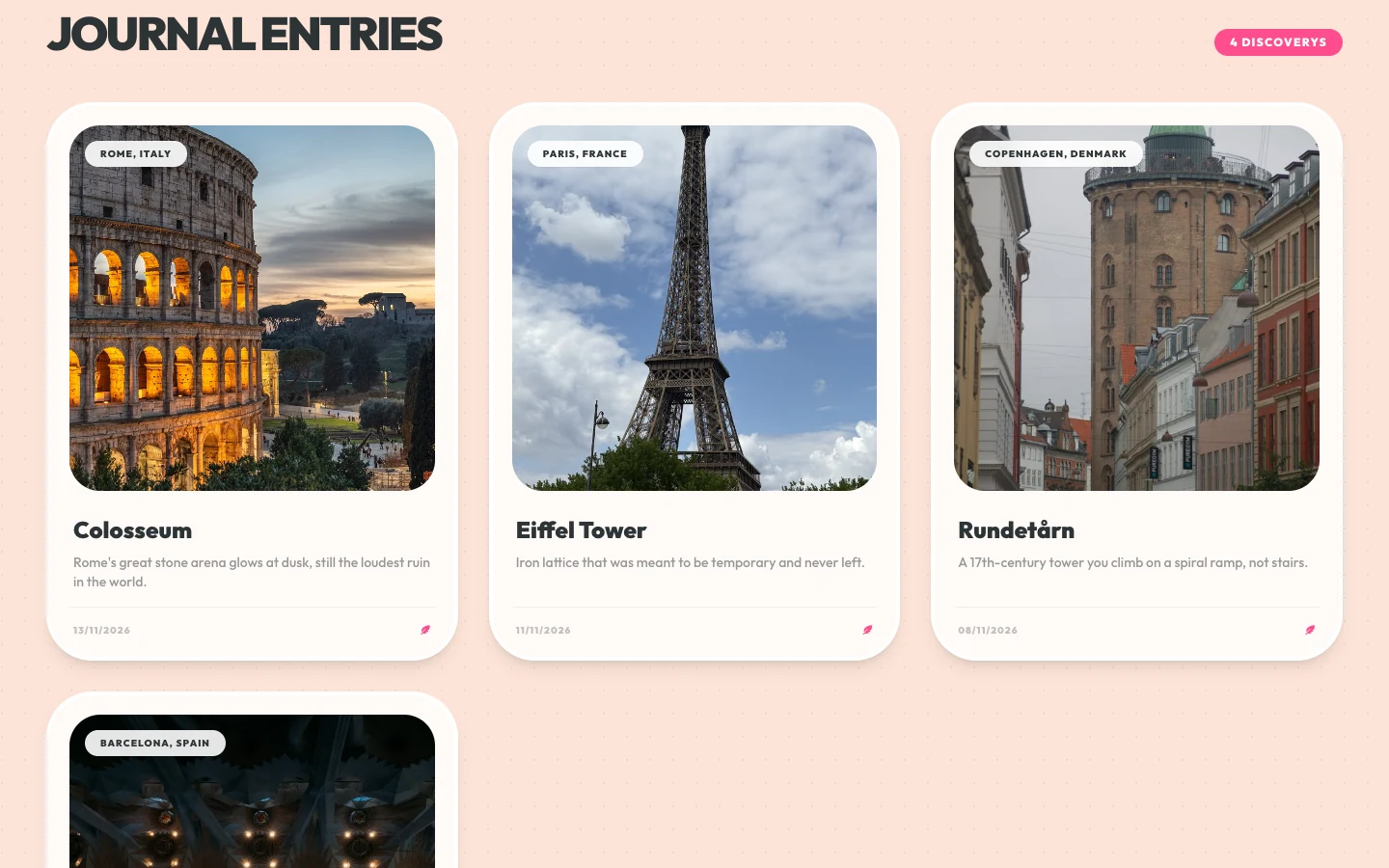
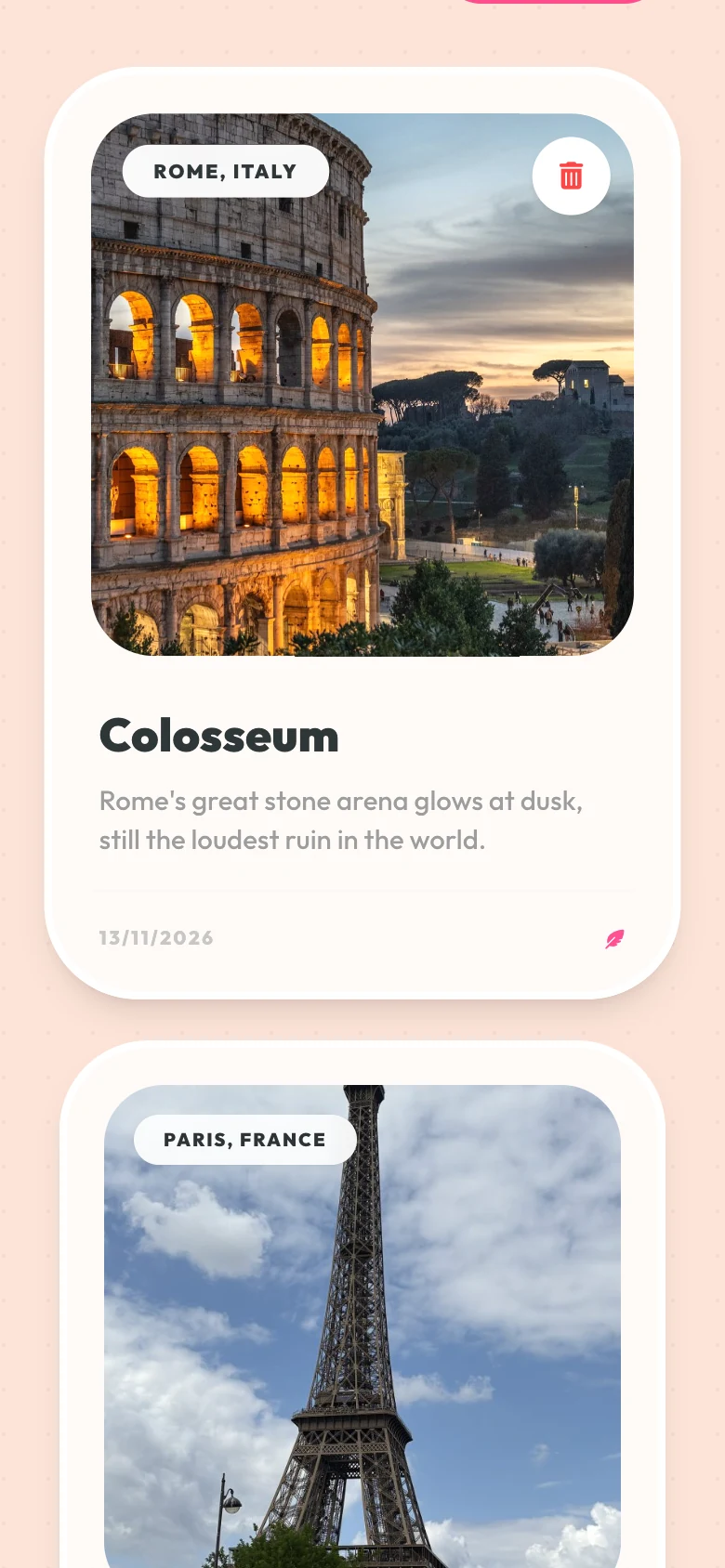
Each photo you identify is saved with its story. Open the journal to browse them, and tap one to read it again.
The journal lives in your browser on this device, up to 100 entries. Clear your site data and it is gone. There is no account and no sync.
Journal entries shown are examples. Photos: CC0, see credits.
Questions
- What is Sight Story?
- A web app. You take or upload a photo of a landmark, it names the place, writes a short history with links to its web sources, and reads the story aloud. Stories are saved to a journal in your browser.
- Is there an iPhone or Android app?
- Not yet. Today it runs in a web browser on a phone or a computer. There is no App Store version.
- Where do my photos go?
- The web app sends the photo from your browser to Google's Gemini API so it can recognise the landmark. Sight Story has no sign-in and no account system. Read the privacy page for the details.
- Can the story be wrong?
- Yes. An AI model writes it. Each story lists the web sources the search found, so you can check anything that matters. The app is built for landmarks and can guess wrong for anything else.
- What if it cannot reach the AI service?
- The app shows a short message asking you to try again. It needs a connection and a working service to do anything.
Go and look at something.
Then photograph it and find out what it is.
Runs in your browser. No account. The app's own header still reads “Explorer”: it is the same app.